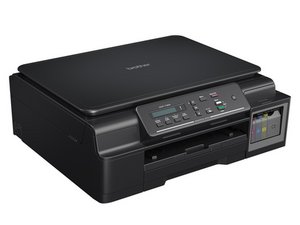

Printer waste ink pad full – can't access or
Description:
I’m having an issue with my printer showing an error that the waste ink pad (waste ink absorber) is full. The printer stopped working completely because of this.
I tried to open the printer to access the waste ink pads, but I couldn’t reach them—they seem to be located deep inside the printer and not easily accessible.
I need help with:
How to access the waste ink pad inside the printer
Whether there is a way to reset the waste ink counter without full disassembly
If there is any software tool or service mode reset available for this model
Any step-by-step guidance or diagrams would be appreciated.
Is this a good question?
Score
0

 1.4k
1.4k  956
956  2.4k
2.4k 