Free shipping on orders over €65*

Fossil Q Venture Gen 3 Battery Replacement

  1. Fossil Q Venture Gen 3 Battery Replacement, Battery: step 1, image 1 of 3 Fossil Q Venture Gen 3 Battery Replacement, Battery: step 1, image 2 of 3 Fossil Q Venture Gen 3 Battery Replacement, Battery: step 1, image 3 of 3
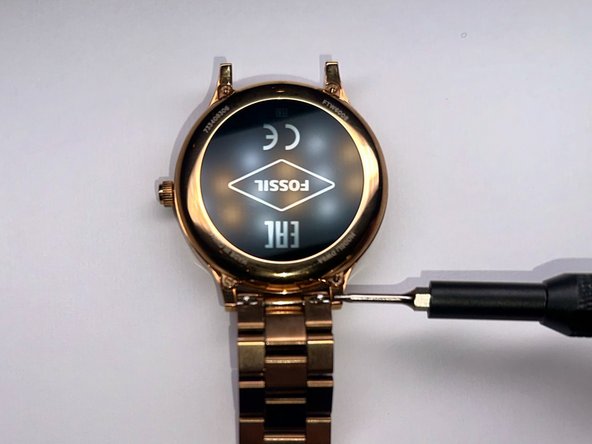
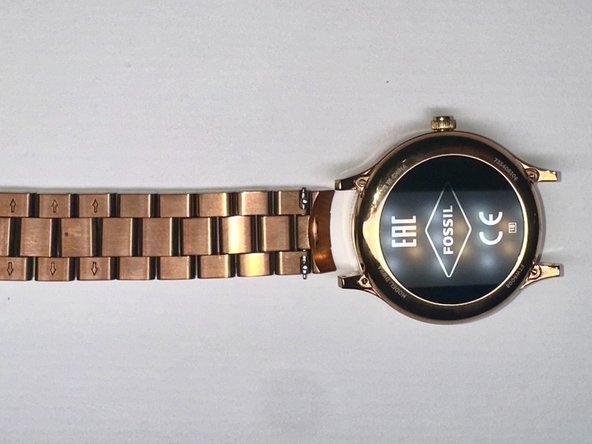
    • First, use a screwdriver to remove the band from the device.

  2. Fossil Q Venture Gen 3 Battery Replacement: step 2, image 1 of 3 Fossil Q Venture Gen 3 Battery Replacement: step 2, image 2 of 3 Fossil Q Venture Gen 3 Battery Replacement: step 2, image 3 of 3
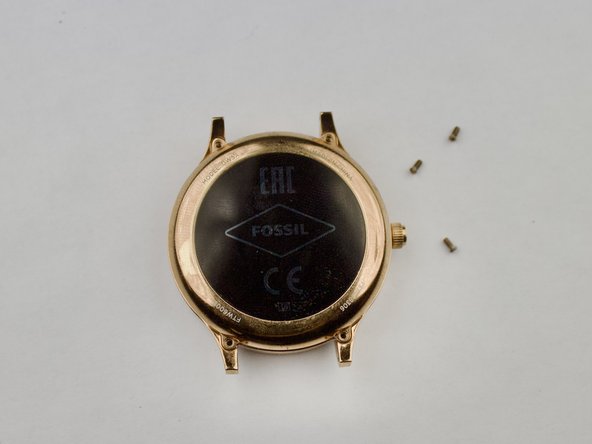
    • Once you remove the band, take a screwdriver and remove the four screws holding the backplate in place.

  3. Fossil Q Venture Gen 3 Battery Replacement: step 3, image 1 of 3 Fossil Q Venture Gen 3 Battery Replacement: step 3, image 2 of 3 Fossil Q Venture Gen 3 Battery Replacement: step 3, image 3 of 3
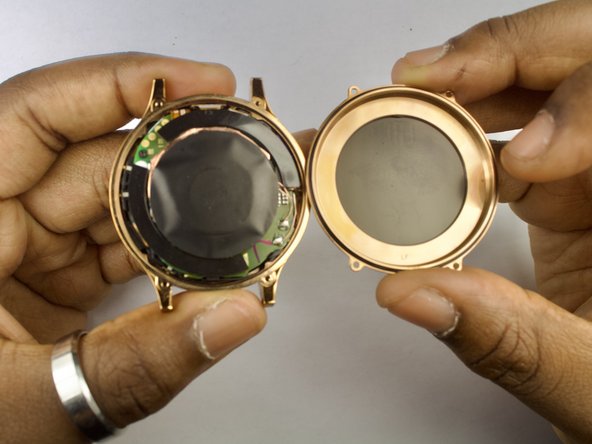
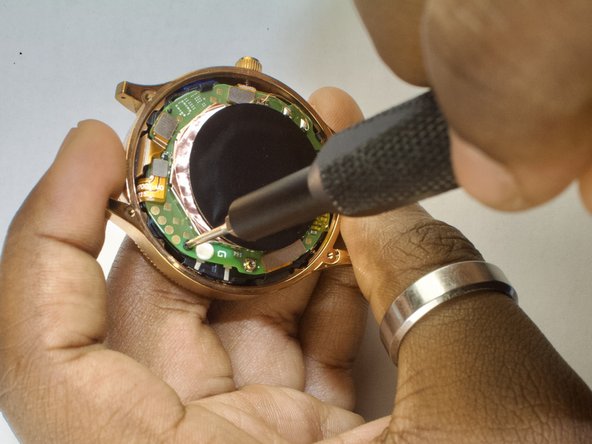
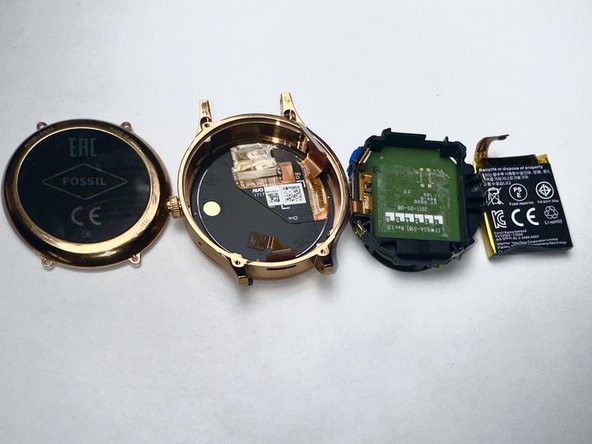
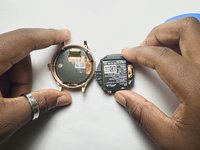
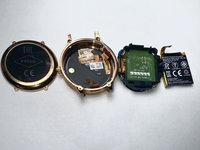
    • The inside of the watch will be exposed. Now, you can disconnect all the golden connections (battery, display, etc) and carefully loosen the battery housing from the shell.

  4. Fossil Q Venture Gen 3 Battery Replacement: step 4, image 1 of 3 Fossil Q Venture Gen 3 Battery Replacement: step 4, image 2 of 3 Fossil Q Venture Gen 3 Battery Replacement: step 4, image 3 of 3
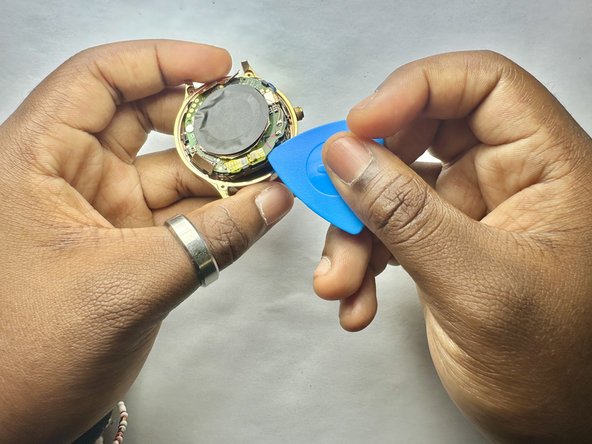
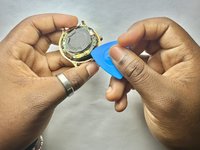
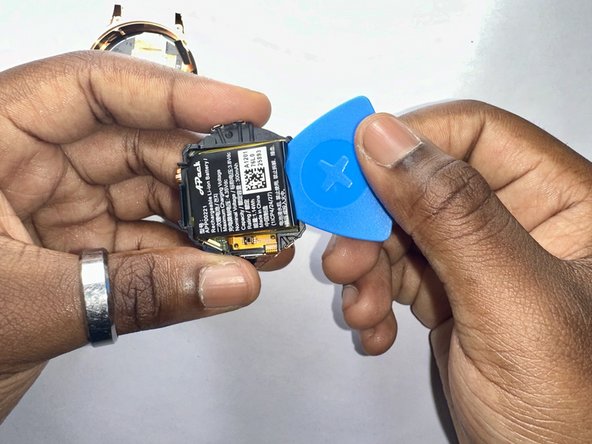
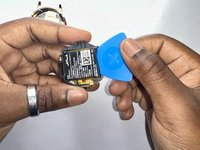
    • When the board is removed, the battery will be stuck in place with an adhesive inside the black plastic housing. Pry the battery out gently to remove it from the board.

Conclusion

To reassemble your device, follow these instructions in reverse order.

2 other people completed this guide.

Chris Brunston

Member since: 09/09/24

183 Reputation

1 Guide authored

Team

0 Guide Comments

Add Comment

View Statistics:

Past 24 Hours: 10

Past 7 Days: 40

Past 30 Days: 125

All Time: 1,251