Introduction
If the scroll wheel on your HP 280 Silent Wireless Mouse is not working properly, replacing it can restore functionality. This guide provides step-by-step instructions to disassemble the mouse, remove the old scroll wheel, and install a new one.
Note: If the mouse still does not work after replacing the scroll wheel, the issue may be related to the scroll encoder or a problem with the circuit board. In such cases, further diagnosis or professional repair may be necessary.
Before you begin the repair, make sure that the mouse is turned off.
What you need
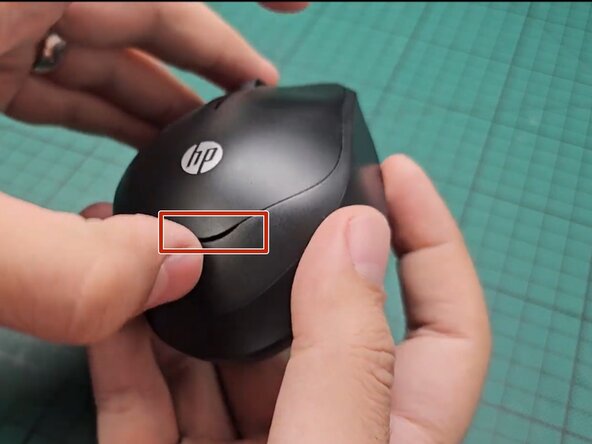
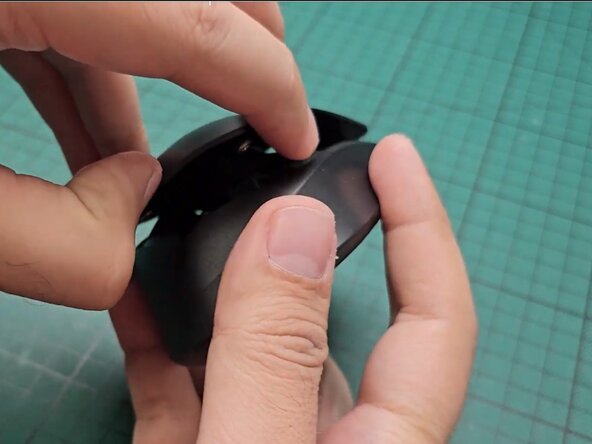
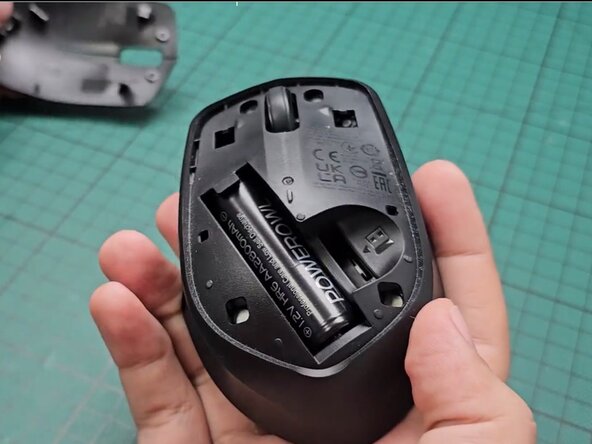
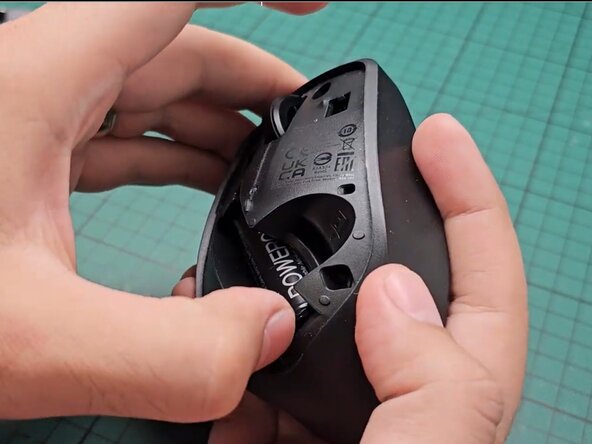
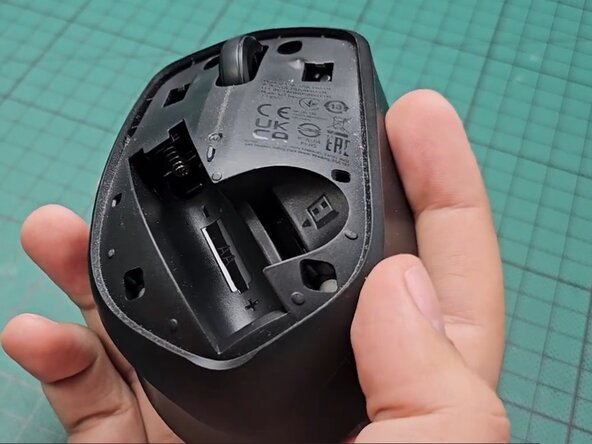
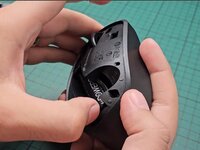
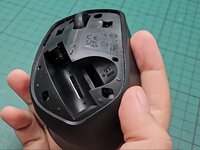
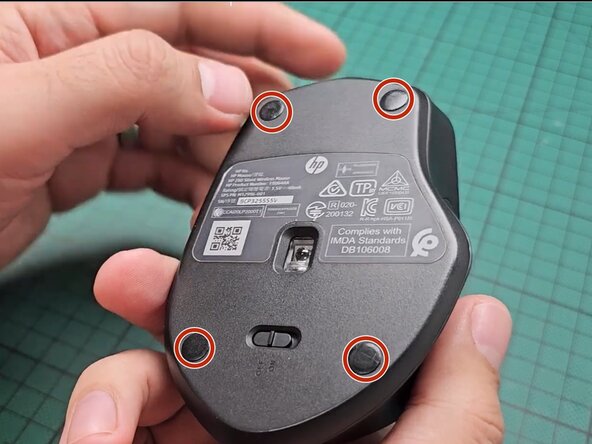
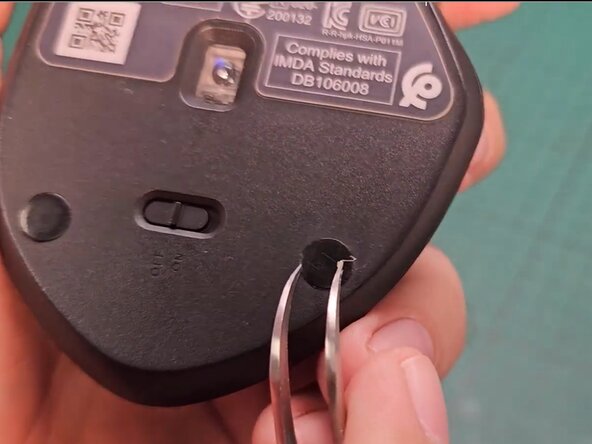
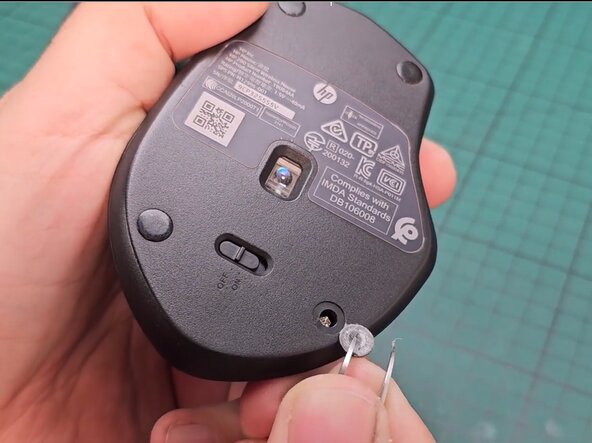
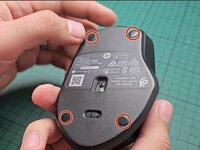
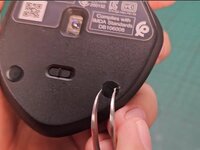
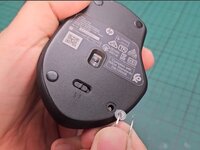
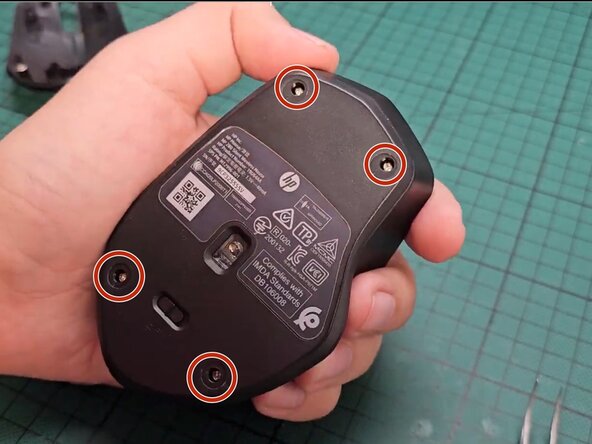
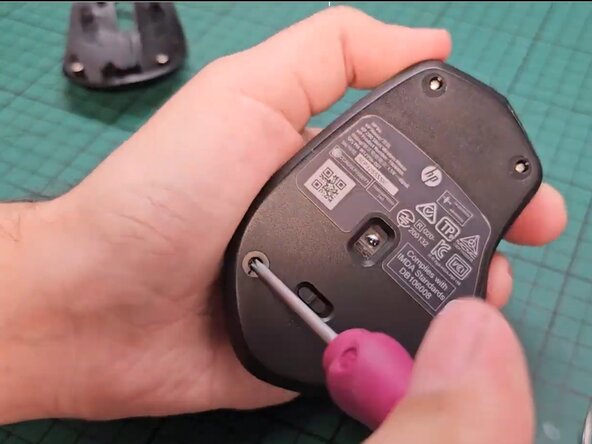
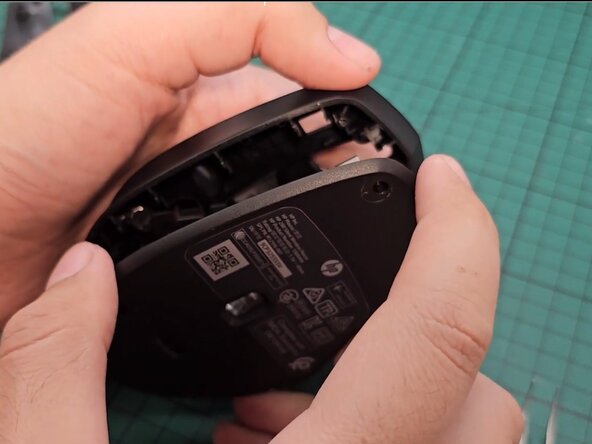
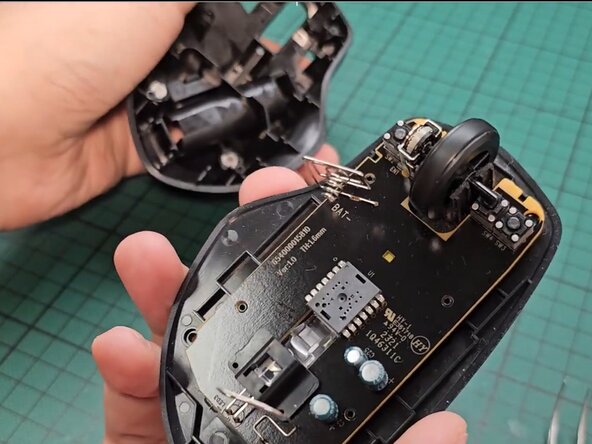
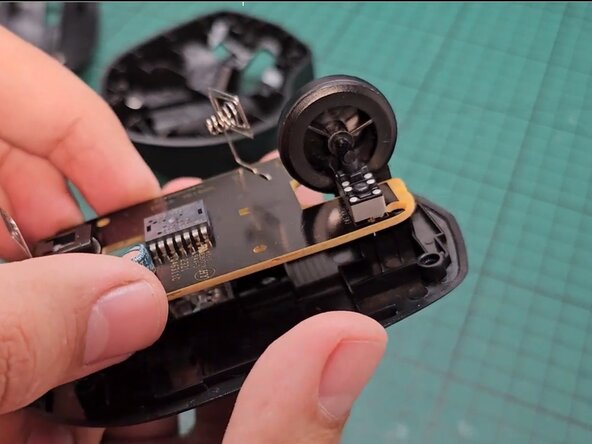
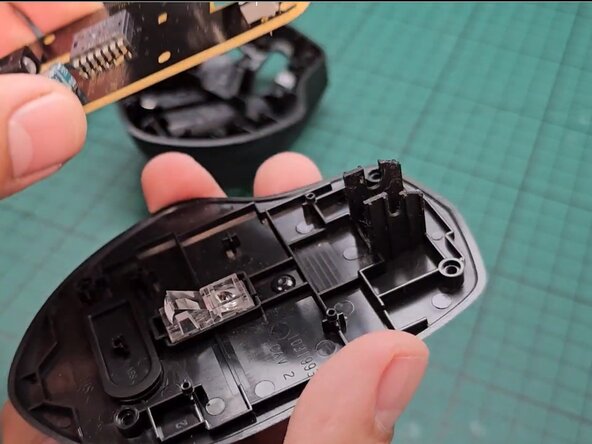
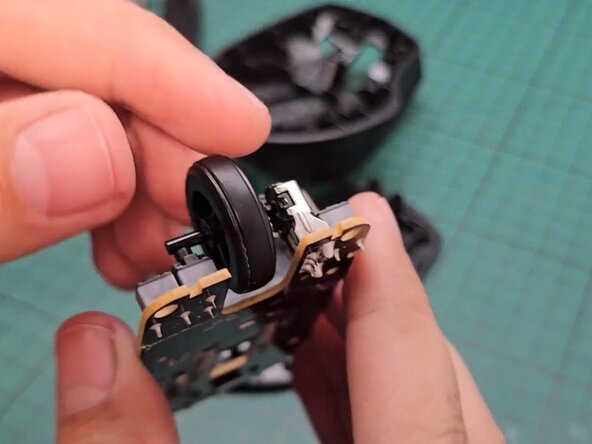
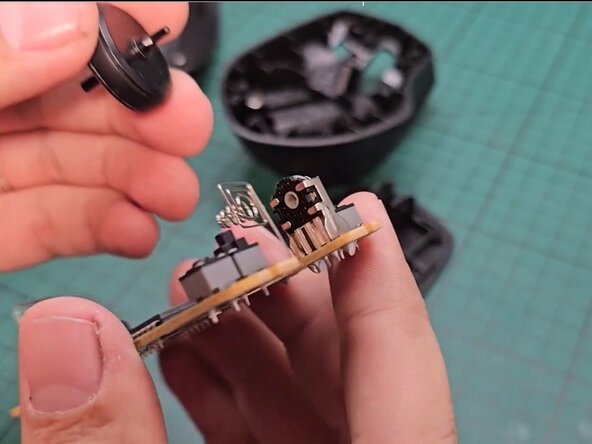
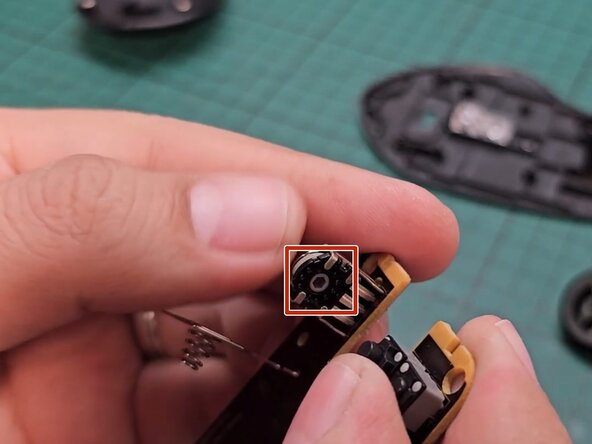
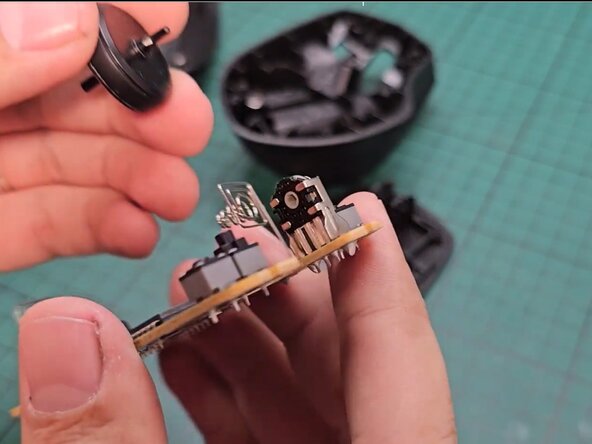
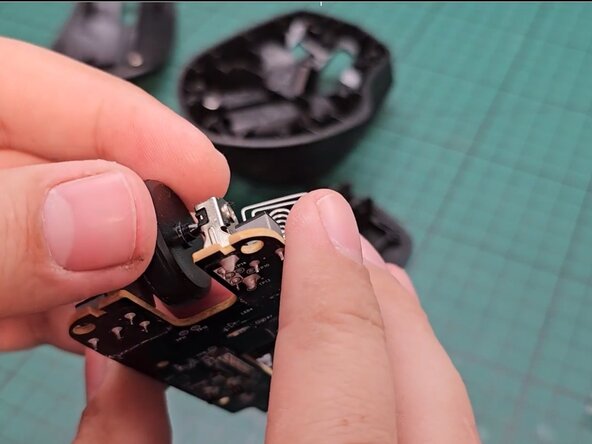
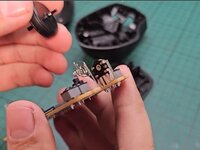
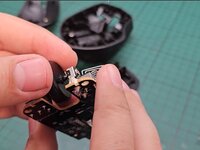
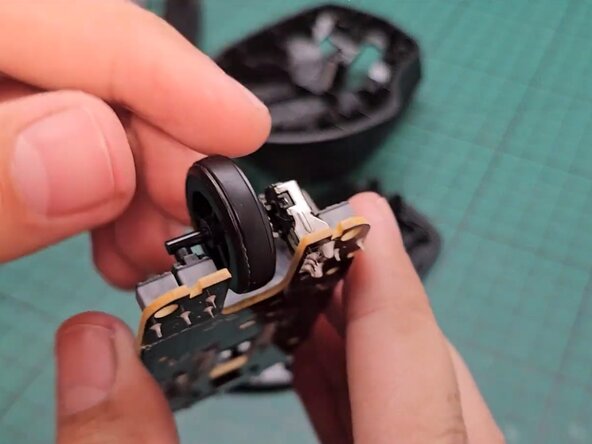
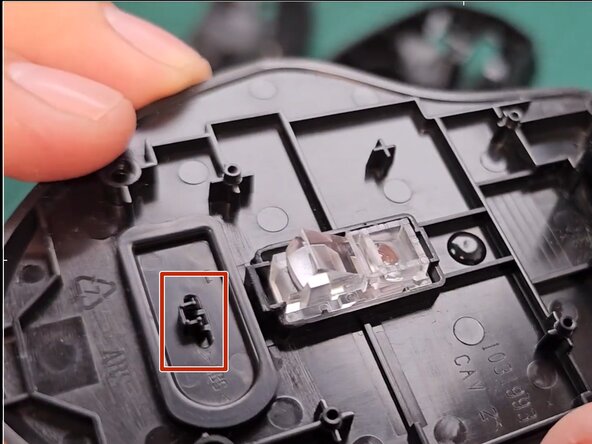
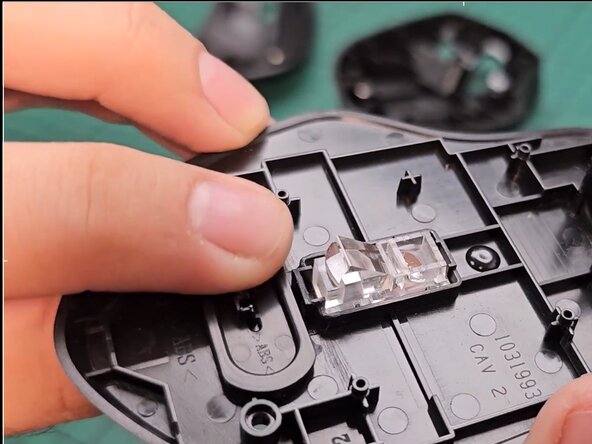
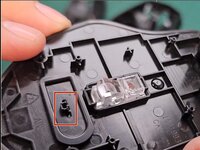
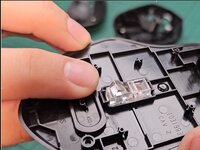
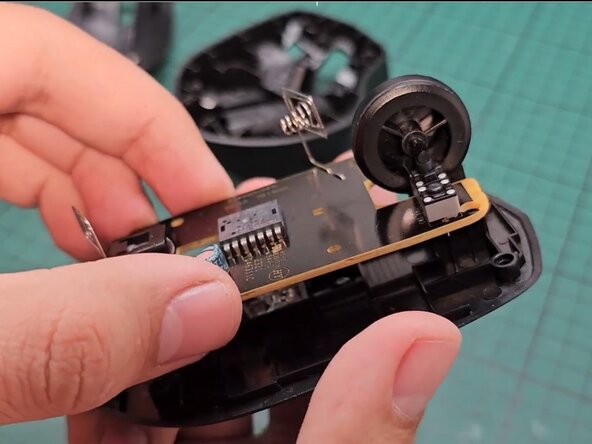
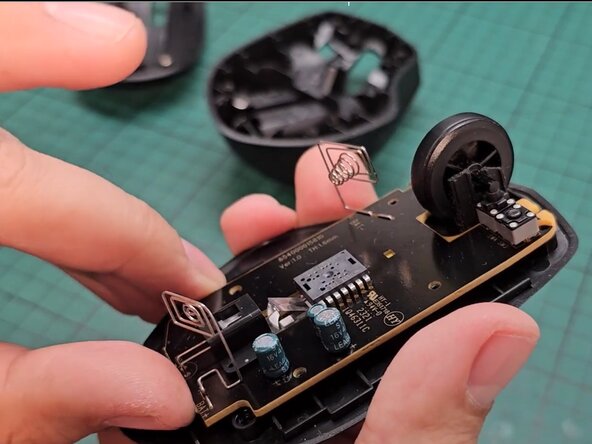
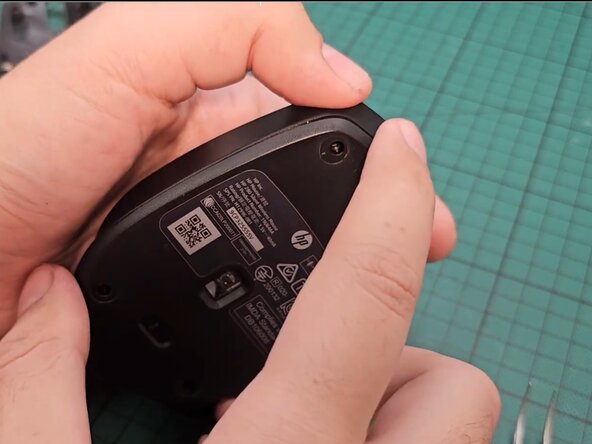
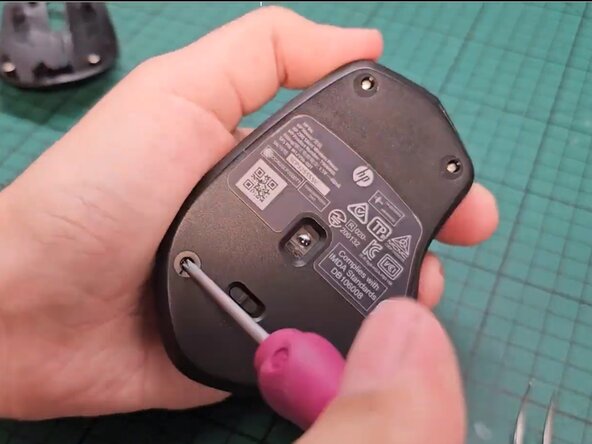
Replacing the scroll wheel on the HP 280 Wireless Mouse is a quick and effective fix to restore smooth scrolling. With proper maintenance, you can extend the lifespan of your mouse and keep it functioning like new. Take your e-waste to an R2 or e-Stewards certified recycler.
Cancel: I did not complete this guide.
2 other people completed this guide.

Team

York University, Team 4-1, Woodhouse Winter 2025 Member of York University, Team 4-1, Woodhouse Winter 2025
YORK-WOODHOUSE-W25S4G1
3 Members
1 Guide authored
