Free shipping on orders over €65*

KBParadise V80 TKL Mechanical Keyboard Alps Key Switch Replacement

What you need

  1. KBParadise V80 TKL Mechanical Keyboard Alps Key Switch Replacement, Matias Quiet Click Alps Key Switch: step 1, image 1 of 3 KBParadise V80 TKL Mechanical Keyboard Alps Key Switch Replacement, Matias Quiet Click Alps Key Switch: step 1, image 2 of 3 KBParadise V80 TKL Mechanical Keyboard Alps Key Switch Replacement, Matias Quiet Click Alps Key Switch: step 1, image 3 of 3
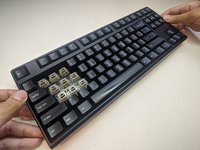
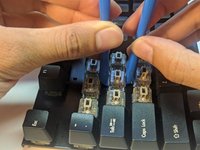
    • Insert the key cap puller into the cracks around the keycap.

    • Twist the tool around the bottom of the keycap.

    • Hold the keyboard down, and pull on the keycap slowly.

    • Pull up as straight as possible.

    • Force required to pull a keycap may vary from soft to heavy.

  2. KBParadise V80 TKL Mechanical Keyboard Alps Key Switch Replacement: step 2, image 1 of 3 KBParadise V80 TKL Mechanical Keyboard Alps Key Switch Replacement: step 2, image 2 of 3 KBParadise V80 TKL Mechanical Keyboard Alps Key Switch Replacement: step 2, image 3 of 3
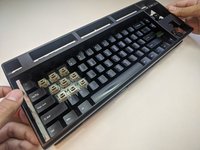
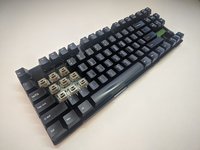
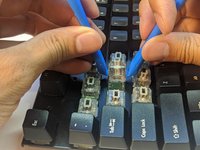
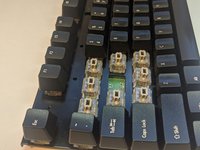
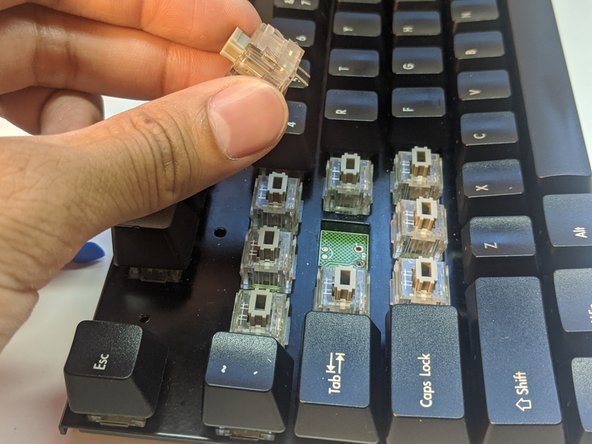
    • Proceed to remove the surrounding keycaps.

  3. KBParadise V80 TKL Mechanical Keyboard Alps Key Switch Replacement: step 3, image 1 of 3 KBParadise V80 TKL Mechanical Keyboard Alps Key Switch Replacement: step 3, image 2 of 3 KBParadise V80 TKL Mechanical Keyboard Alps Key Switch Replacement: step 3, image 3 of 3
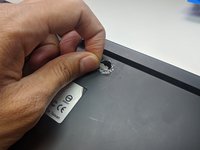
    • Flip the keyboard over so that the bottom is facing upward.

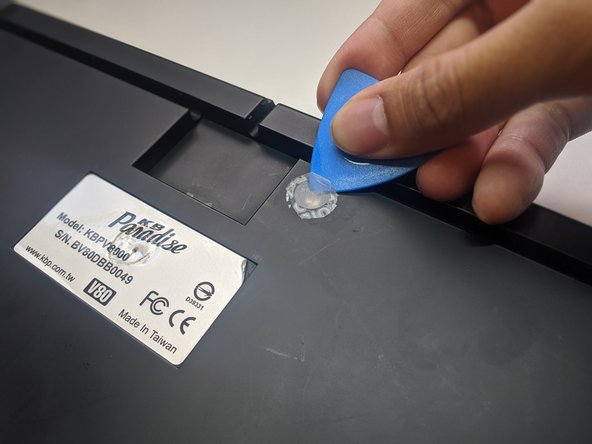
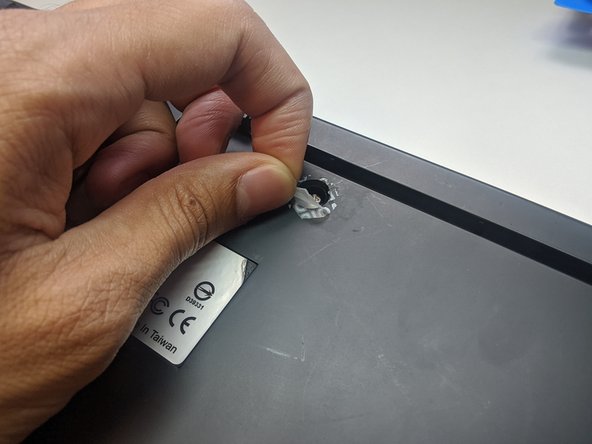
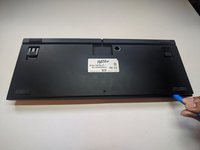
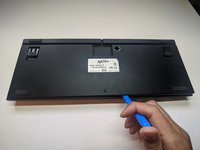
    • Slip an opening pick beneath the warranty sticker.

    • Proceed to pull the sticker off to reveal the hole.

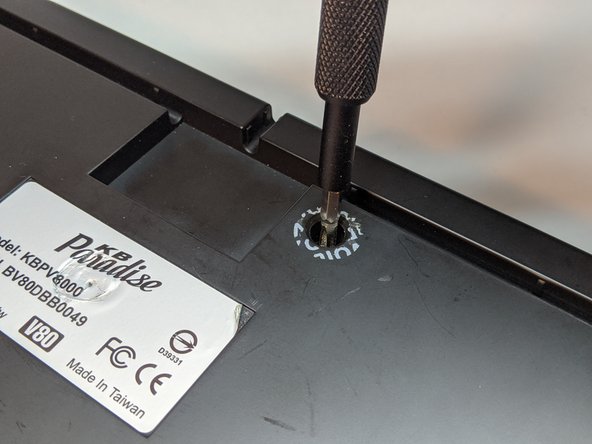
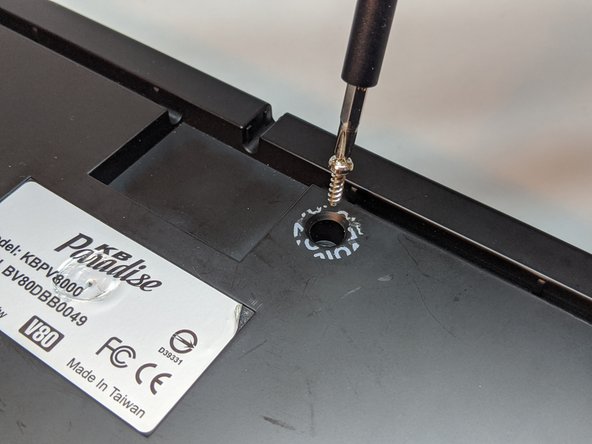
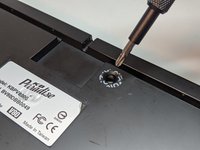
  4. KBParadise V80 TKL Mechanical Keyboard Alps Key Switch Replacement: step 4, image 1 of 3 KBParadise V80 TKL Mechanical Keyboard Alps Key Switch Replacement: step 4, image 2 of 3 KBParadise V80 TKL Mechanical Keyboard Alps Key Switch Replacement: step 4, image 3 of 3
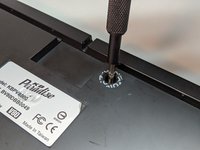
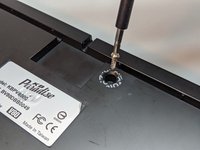
    • Use a Phillips #1 Screwdriver to remove the 10 mm screw.

  5. KBParadise V80 TKL Mechanical Keyboard Alps Key Switch Replacement: step 5, image 1 of 3 KBParadise V80 TKL Mechanical Keyboard Alps Key Switch Replacement: step 5, image 2 of 3 KBParadise V80 TKL Mechanical Keyboard Alps Key Switch Replacement: step 5, image 3 of 3
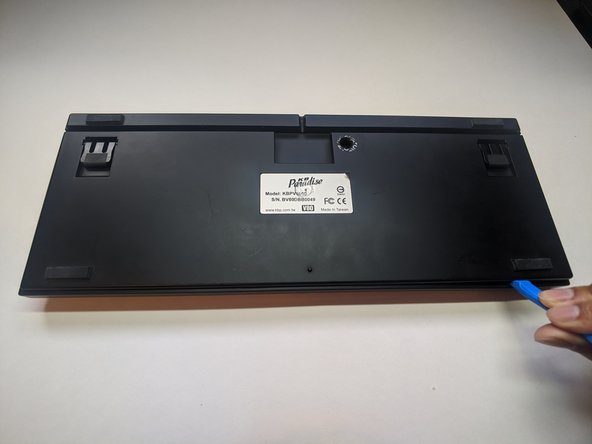
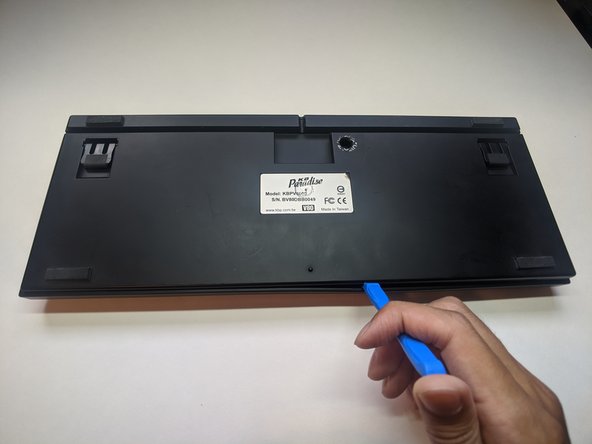
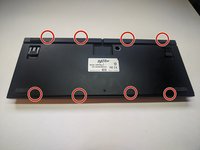
    • Slip an opening tool into the cracks at the indicated points.

    • Pry open carefully.

  6. KBParadise V80 TKL Mechanical Keyboard Alps Key Switch Replacement: step 6, image 1 of 3 KBParadise V80 TKL Mechanical Keyboard Alps Key Switch Replacement: step 6, image 2 of 3 KBParadise V80 TKL Mechanical Keyboard Alps Key Switch Replacement: step 6, image 3 of 3
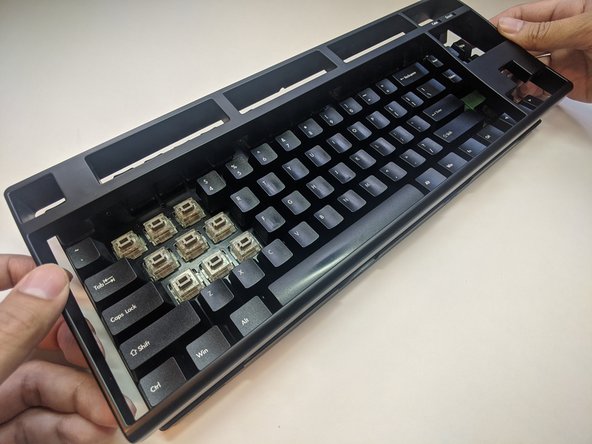
    • Flip the keyboard so that the keys are facing upward.

    • Grab the sides of the top case and pull up gently.

  7. KBParadise V80 TKL Mechanical Keyboard Alps Key Switch Replacement: step 7, image 1 of 3 KBParadise V80 TKL Mechanical Keyboard Alps Key Switch Replacement: step 7, image 2 of 3 KBParadise V80 TKL Mechanical Keyboard Alps Key Switch Replacement: step 7, image 3 of 3
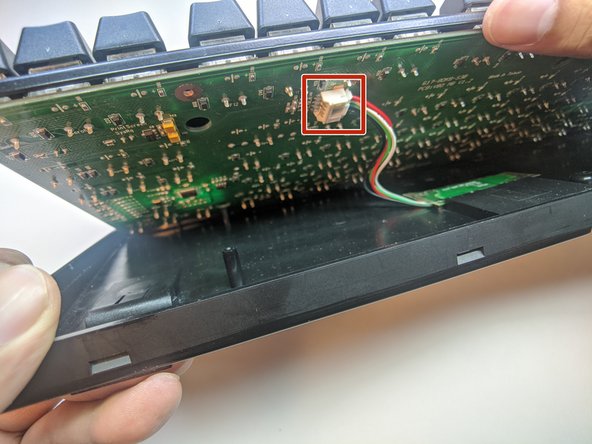
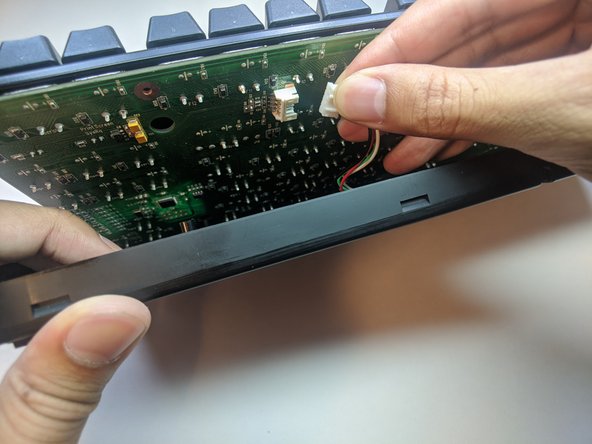
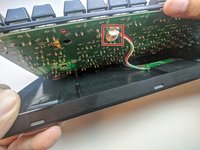
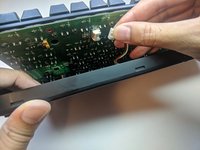
    • Separate the plate from the bottom case slightly.

    • Reach within and remove the daughterboard cable.

  8. KBParadise V80 TKL Mechanical Keyboard Alps Key Switch Replacement: step 8, image 1 of 3 KBParadise V80 TKL Mechanical Keyboard Alps Key Switch Replacement: step 8, image 2 of 3 KBParadise V80 TKL Mechanical Keyboard Alps Key Switch Replacement: step 8, image 3 of 3
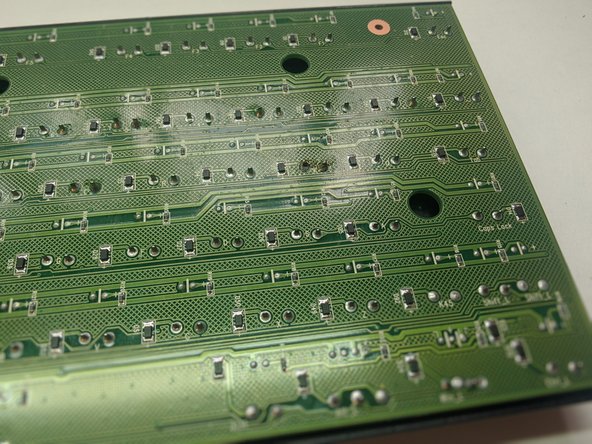
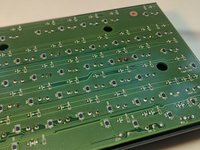
    • Turn the plate over.

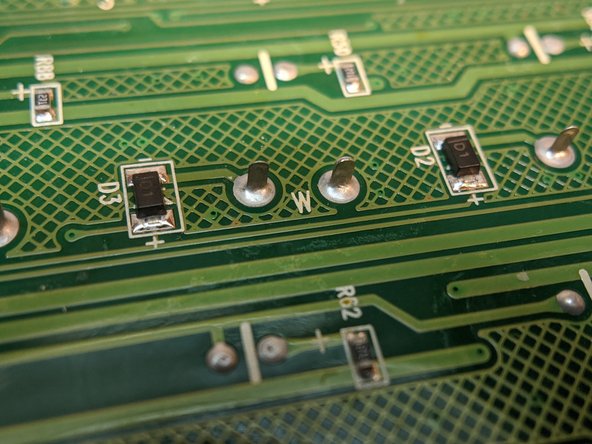
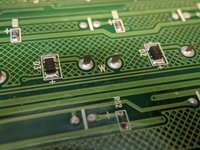
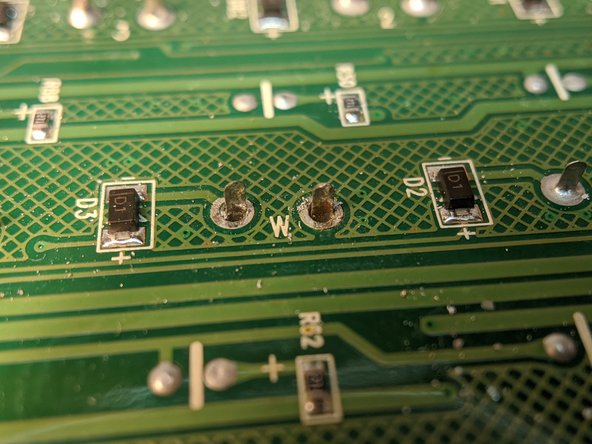
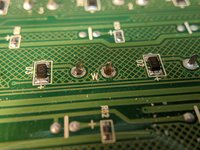
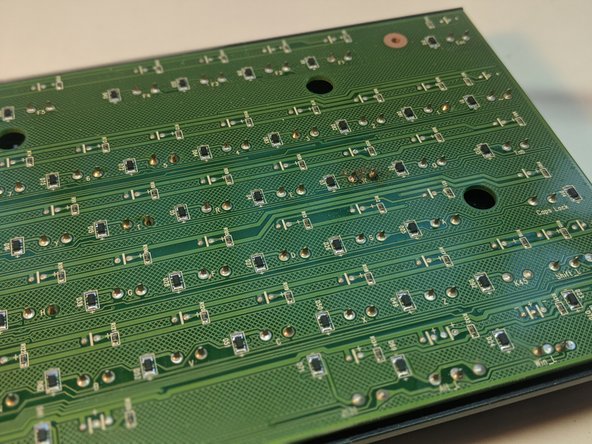
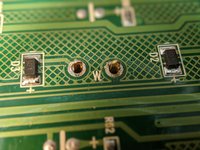
    • Locate the pins for the key switch.

    • All the key switches are labeled with their ASCII designation.

  9. KBParadise V80 TKL Mechanical Keyboard Alps Key Switch Replacement: step 9, image 1 of 3 KBParadise V80 TKL Mechanical Keyboard Alps Key Switch Replacement: step 9, image 2 of 3 KBParadise V80 TKL Mechanical Keyboard Alps Key Switch Replacement: step 9, image 3 of 3
    Tool used on this step:
    Desoldering Pump
    €4.95
    Buy
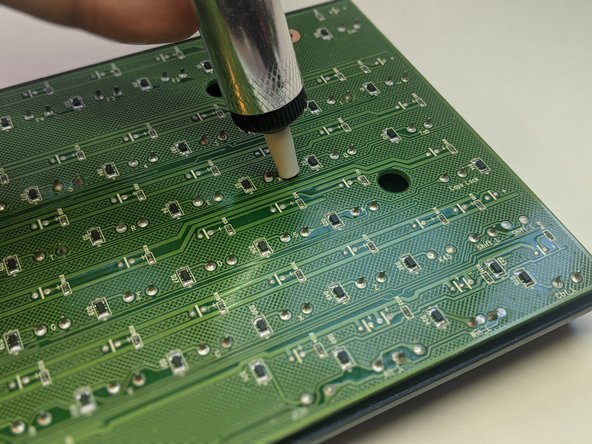
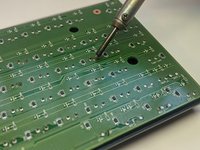
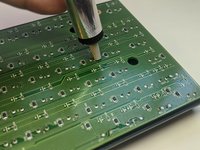
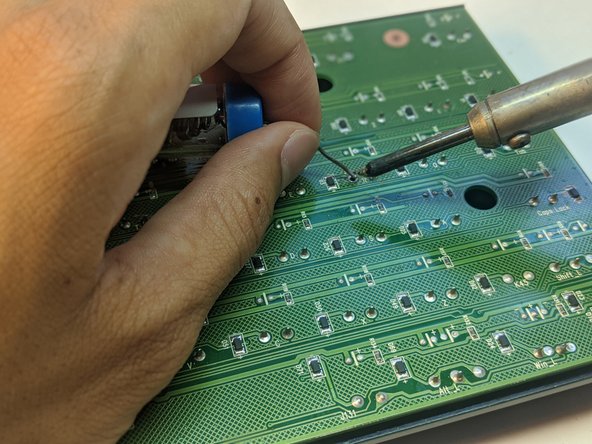
    • Desolder the pins with a soldering iron and a desoldering pump.

    • Repeat until the pins freely move inside the wells without heat.

    • Placing the soldering iron too close to the PCB may damage it.

  10. KBParadise V80 TKL Mechanical Keyboard Alps Key Switch Replacement: step 10, image 1 of 3 KBParadise V80 TKL Mechanical Keyboard Alps Key Switch Replacement: step 10, image 2 of 3 KBParadise V80 TKL Mechanical Keyboard Alps Key Switch Replacement: step 10, image 3 of 3
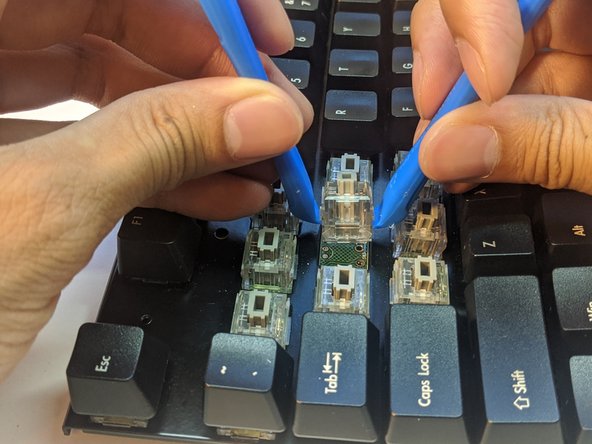
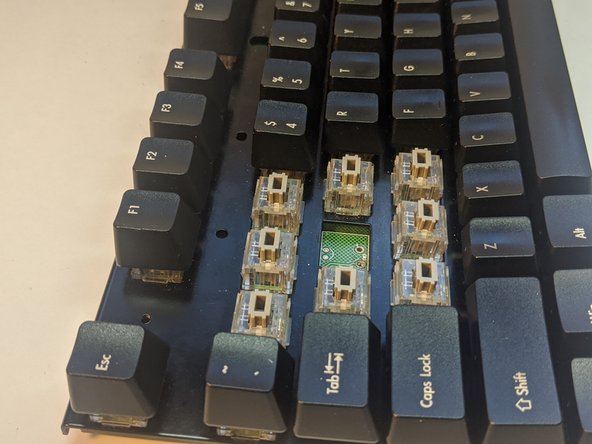
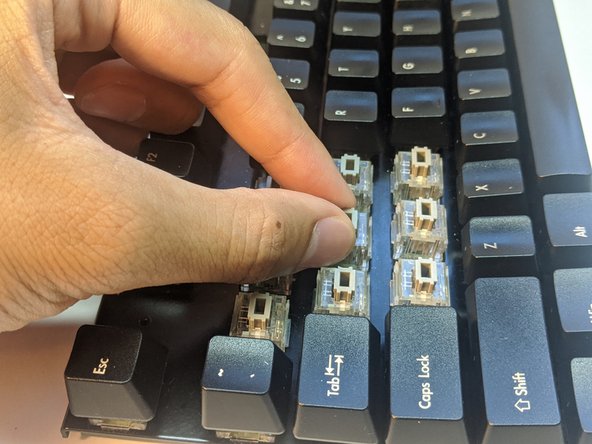
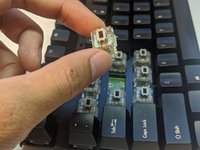
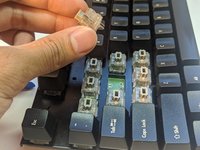
    • Wedge two opening tools under the key switch.

    • Pull up gently.

    • If the key switch appears to be immovable, consider repeating step 9.

  11. KBParadise V80 TKL Mechanical Keyboard Alps Key Switch Replacement: step 11, image 1 of 3 KBParadise V80 TKL Mechanical Keyboard Alps Key Switch Replacement: step 11, image 2 of 3 KBParadise V80 TKL Mechanical Keyboard Alps Key Switch Replacement: step 11, image 3 of 3
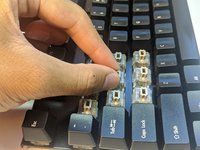
    • Insert a new key switch into the well with pins corresponding to that of the PCBs.

  12. KBParadise V80 TKL Mechanical Keyboard Alps Key Switch Replacement: step 12, image 1 of 3 KBParadise V80 TKL Mechanical Keyboard Alps Key Switch Replacement: step 12, image 2 of 3 KBParadise V80 TKL Mechanical Keyboard Alps Key Switch Replacement: step 12, image 3 of 3
    • Solder the pins onto the PCB ensuring the solder stays within the wells of the pins.

    • Ensure the pins do not freely move after soldering.

    • Ensure that there is no solder connecting the two pins, as this can possibly cause a short circuit.

Conclusion

To reassemble your device, follow these instructions in reverse order starting at step 7.

2 other people completed this guide.

Kenny Nguyen

Member since: 07/05/20

268 Reputation

1 Guide authored

0 Guide Comments

Add Comment

View Statistics:

Past 24 Hours: 4

Past 7 Days: 11

Past 30 Days: 38

All Time: 2,182