Introduction
If your Microsoft LXM-00001 device is experiencing unresponsive or inconsistent button inputs, then use this guide to replace the internal rubber membrane. A worn or damaged membrane can cause missed inputs.
What you need
-
-
-
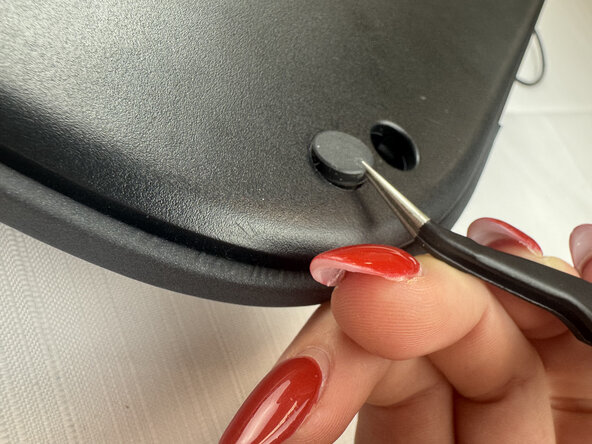
Remove the five 6 mm screws beneath the rubber feet using a Phillips #2 screwdriver.
-
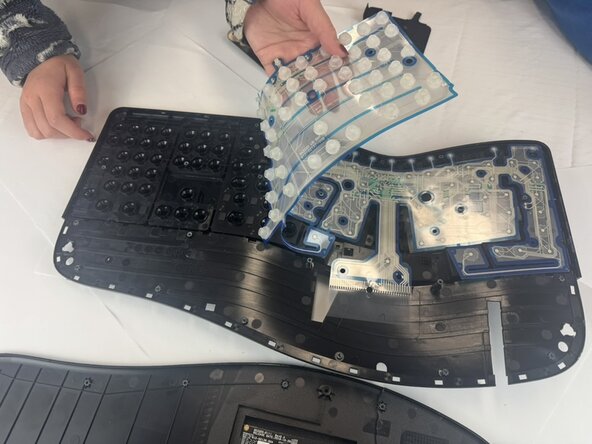
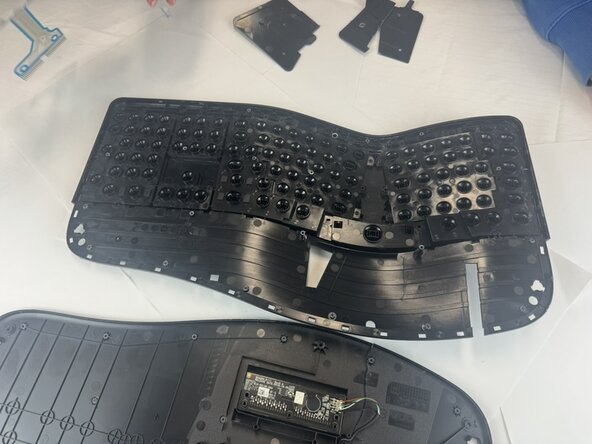
Using plastic spudgers, tweezers, pliers, and brute force, separate the front of the keyboard from the back of the keyboard.
-






Conclusion
To reassemble your device, follow these instructions in reverse order.

Team

Texas Tech, Team 2-1, Johansen Fall 2025 Member of Texas Tech, Team 2-1, Johansen Fall 2025
TTU-JOHANSEN-F25S2G1
5 Members
4 Guides authored
