Introduction
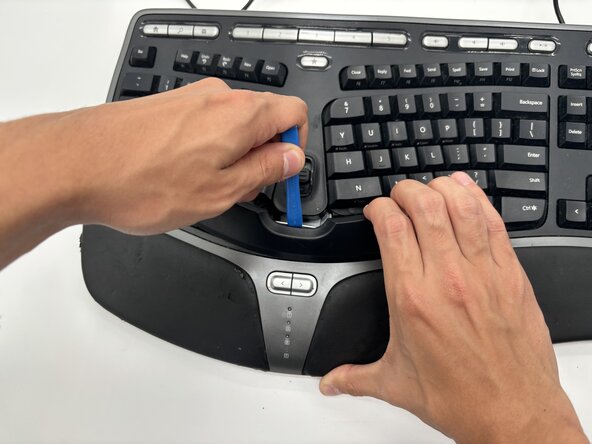
This guide will show you how to remove and replace the membrane on your Microsoft Natural Ergonomic Keyboard 4000 v1.0. This process will allow you to replace the membrane and help restore proper key responsiveness and extend the lifespan of your keyboard. Over time, the membrane may wear out or become damaged, causing certain keys to stop working. This guide will help you peel off the membrane with no damage to the keyboard; make sure you carefully follow all the steps to ensure you do not damage any parts of the keyboard.
What you need
-
-
Remove the following screws from the bottom of the keyboard:
-
Eighteen 8.8 mm-long Phillips screws.
-
Three 11 mm-long Phillips screws.
-
-




To reassemble your device, follow these instructions in reverse order.

Team

University of North Texas, Team 6-3, Kilpatrick Fall 2025 Member of University of North Texas, Team 6-3, Kilpatrick Fall 2025
UNT-KILPATRICK-F25S6G3
4 Members
5 Guides authored
