Introduction
This guide will show you how to remove and replace the motherboard in your Microsoft Natural Ergonomic Keyboard 4000 v1.0. This process can resolve issues such as unresponsive keys and connection failures. Over time, the motherboard may suffer from wear and electronic failure, leading the keyboard to be unresponsive. This guide will walk you through the process of safely accessing and removing the motherboard without causing damage to the keyboard.
What you need
-
-
Remove the following screws from the bottom of the keyboard:
-
Eighteen 8.8 mm-long Phillips screws.
-
Three 11 mm-long Phillips screws.
-
-


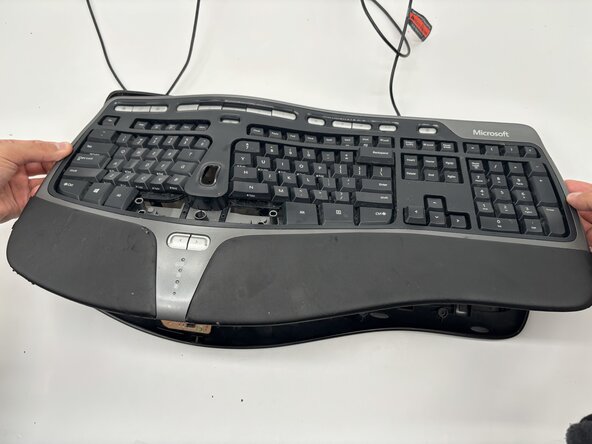


To reassemble your device, follow the above steps in reverse order.
Take your e-waste to an R2 or e-Stewards certified recycler.
Repair didn’t go as planned? Try some basic troubleshooting or ask our Answers community for help.

Team

University of North Texas, Team 6-3, Kilpatrick Fall 2025 Member of University of North Texas, Team 6-3, Kilpatrick Fall 2025
UNT-KILPATRICK-F25S6G3
4 Members
5 Guides authored
