Introduction
Have you ever noticed if your buttons are sticky/ get stuck within the controller or are either taking forever to or not responding at all? Don't fret, we've got just the right guide for you to able to figure what's wrong and how to restore it to working order!
What you need
-
-
Remove the two 10 mm Phillips #1 screws that secure each of the handle grips.
-
Pull off the handle grips.
-
-
-
-
Use blunt tweezers to pull the white battery motherboard connector directly out of its port.
-
Gently peel the battery off of the motherboard.
-


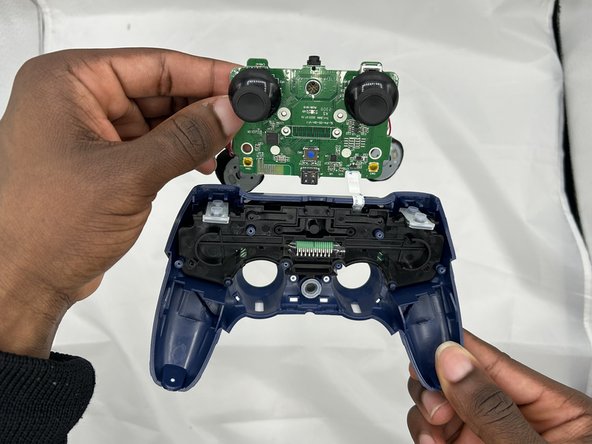
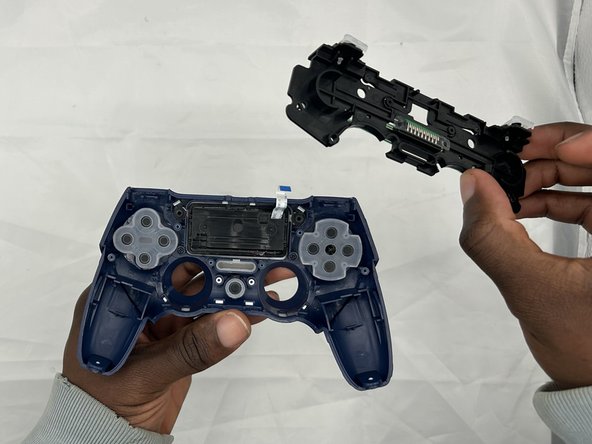
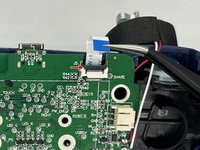
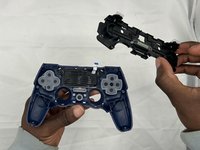

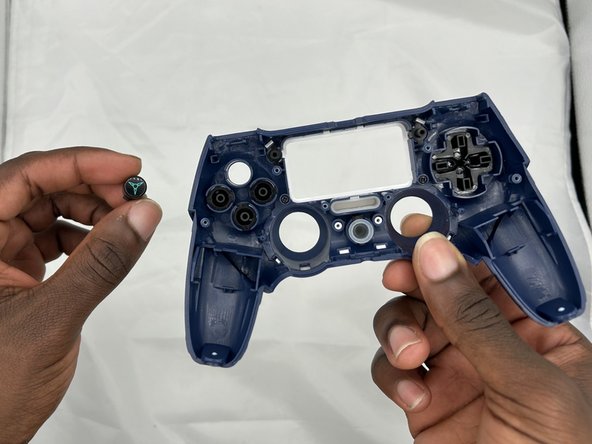
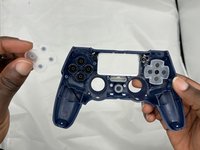
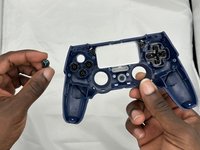
To reassemble your device, simply follow these instructions in reverse order.
Cancel: I did not complete this guide.
2 other people completed this guide.

Team

University of North Texas, Team 2-4, Kilpatrick Spring 2024 Member of University of North Texas, Team 2-4, Kilpatrick Spring 2024
UNT-KILPATRICK-S24S2G4
4 Members
6 Guides authored
