Introduction
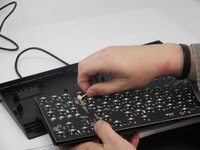
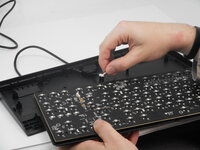
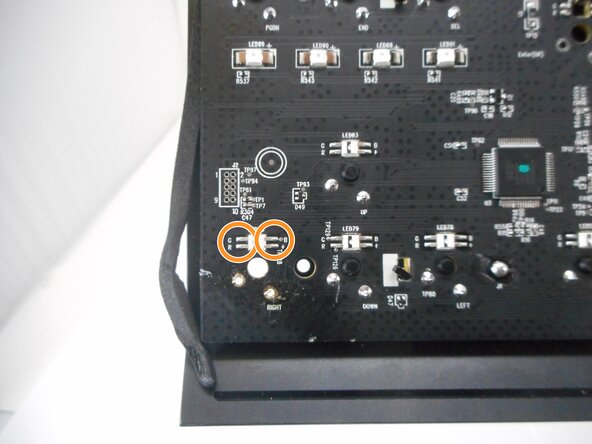
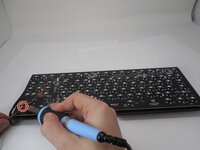
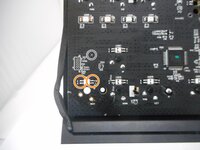
If the LEDs on your Razer BlackWidow V3 Tenkeyless are dim, flickering, or no longer lighting up, this LED replacement guide will help you restore the keyboard's vibrant backlighting. Since the LEDs are soldered directly to the PCB, replacing them requires some basic soldering skills. For this guide, you will need a soldering iron, desoldering tools (such as a solder wick or pump), and compatible replacement LEDs. Follow the steps carefully to safely replace the faulty components and bring your keyboard back to life.
This guide requires soldering. If you're unfamiliar with soldering, review the How to Solder and Desolder Connections guide and take appropriate precautions.
What you need


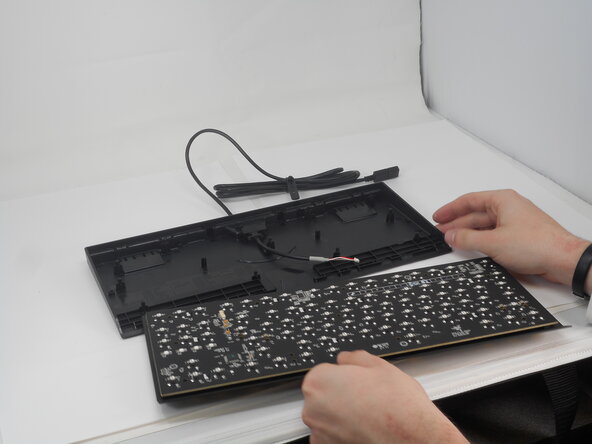

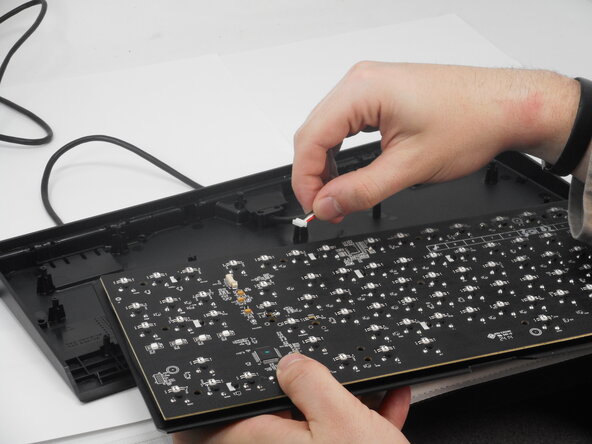

To reassemble your device, follow these instructions in reverse order.

Team

University of Memphis, Team 2-2, Sneed Spring 2025 Member of University of Memphis, Team 2-2, Sneed Spring 2025
UM-SNEED-S25S2G2
3 Members
4 Guides authored
