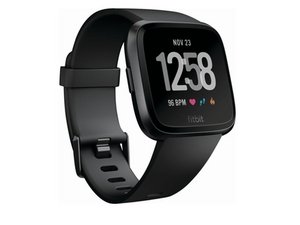
Fitbit versa is asking unlock with your phone
My Fitbit versa is asking unlock with your phone so pls suggest for advice ASAP early
Is this a good question?
Score
0

My Fitbit versa is asking unlock with your phone so pls suggest for advice ASAP early
Is this a good question?

Rep: 49.7k
 43
43
 20
20
 1k
1k
To unlock your watch with your phone:
Note that after you reset your PIN code, you must add your cards to Fitbit Pay as if you were setting it up for the first time.
Was this answer helpful?

Im not receiving the code on my device because my fitbit is locked
Was this answer helpful?

When I click on Today I cant see My Device in order to unlock
Was this answer helpful?
I cant find My Device after clicking Today in order to unlock the Phone
Was this answer helpful?

It’s been like that for the last two years I’ve taken it to Verizon. I’ve taken it to the watch department. I’m about ready to buy a new one, but it all lights up and everything but it’s asking to go to my iPhone and lock it. Unlock with your phone that’s what I see and then when the face goes black, it’s got the clock on, but that’s it.
Was this answer helpful?

Past 24 Hours: 3
Past 7 Days: 19
Past 30 Days: 83
All Time: 2,085
