Free Shipping on Domestic Orders $75+
Causes
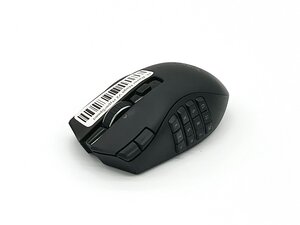
If the left and right clicks aren't responding, check that the wireless USB dongle is plugged directly into the USB port on your PC or laptop. Ensure there is a clear line of sight between the dongle and mouse to prevent interference.
If those aren't working, check the top shell and look below it, and if you see the posts are attached
If the left and right are double-clicking first, try cleaning the mouse buttons with compressed air or a lightly alcohol- coated cotton swab.
You can check the click speed settings, which may also cause double-clicking.
Windows click speed settings can affect how quickly the system registers clicks. To adjust, Windows Key + S, type 'Control Panel,' and navigate to mouse options. Find and adjust the double-click speed slider, then test if it improves button response.
Related Problems

2 common problems
View all